 Invantive Data Access Point
Installation |
To install Invantive Data Access Point perform the following steps:
•Make sure the server meets the requirements.
•Copy the msi file to the server which should run the web site.
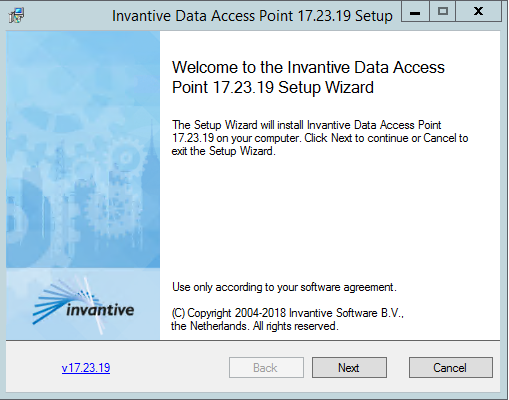
•Run the installer and press 'Next':
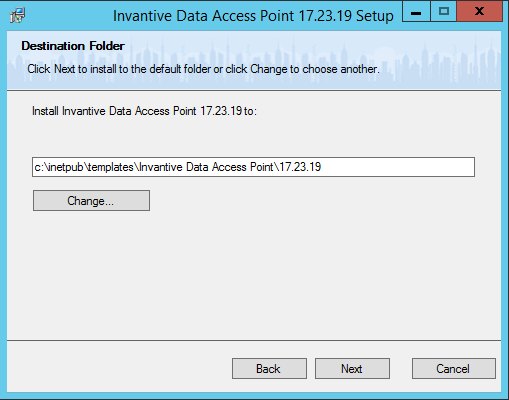
•Accept the default folder and press 'Next':
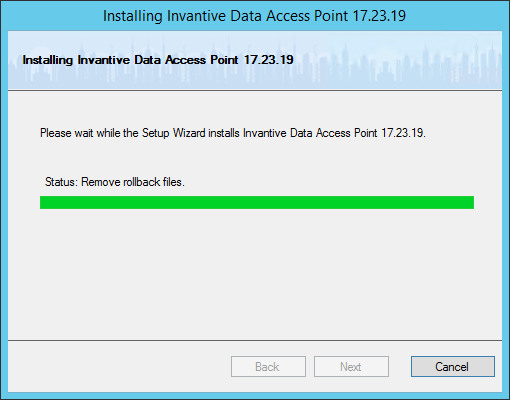
•Wait for the installer to finish:
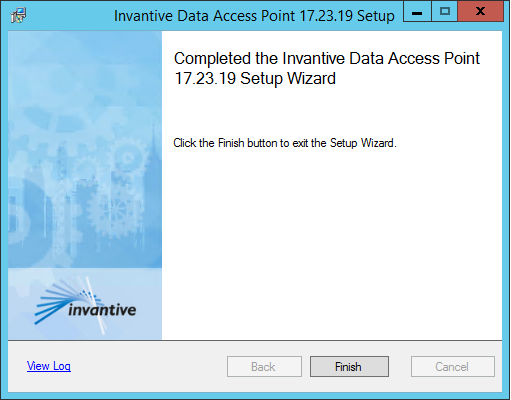
•Close the installer by clicking on 'Finish':
•Copy the files to the folder where the site should be hosted.
•Add the folder to Microsoft IIS as a site.